
Map Canvas

Map Canvas turns Google Maps into your personal annotation and planning workspace. Whether you're defining delivery zones, mapping farm boundaries, planning an outdoor event layout, or marking points of interest for field research, Map Canvas gives you the tools to draw, annotate, and organize directly on the map — no desktop GIS software required.

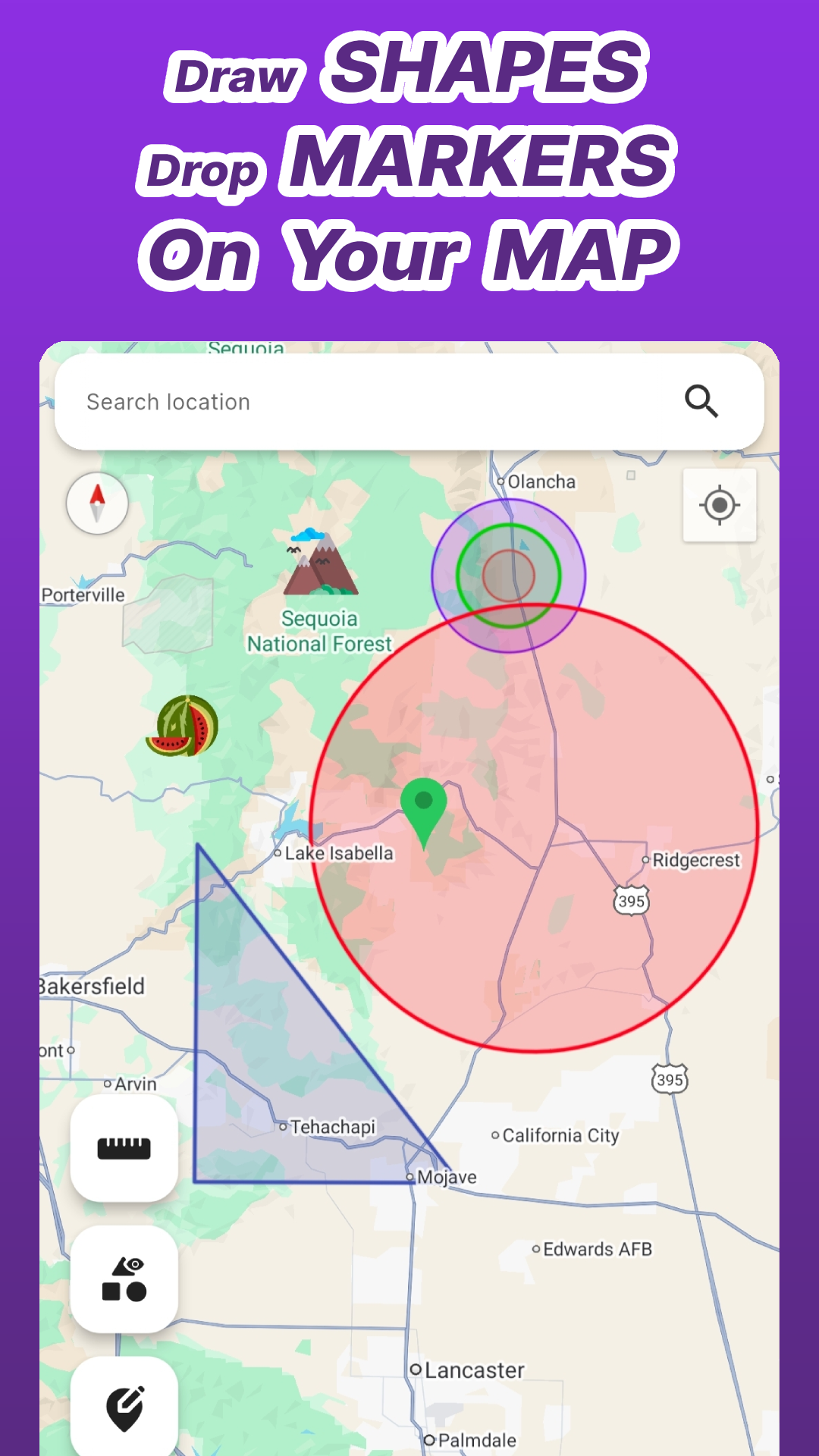
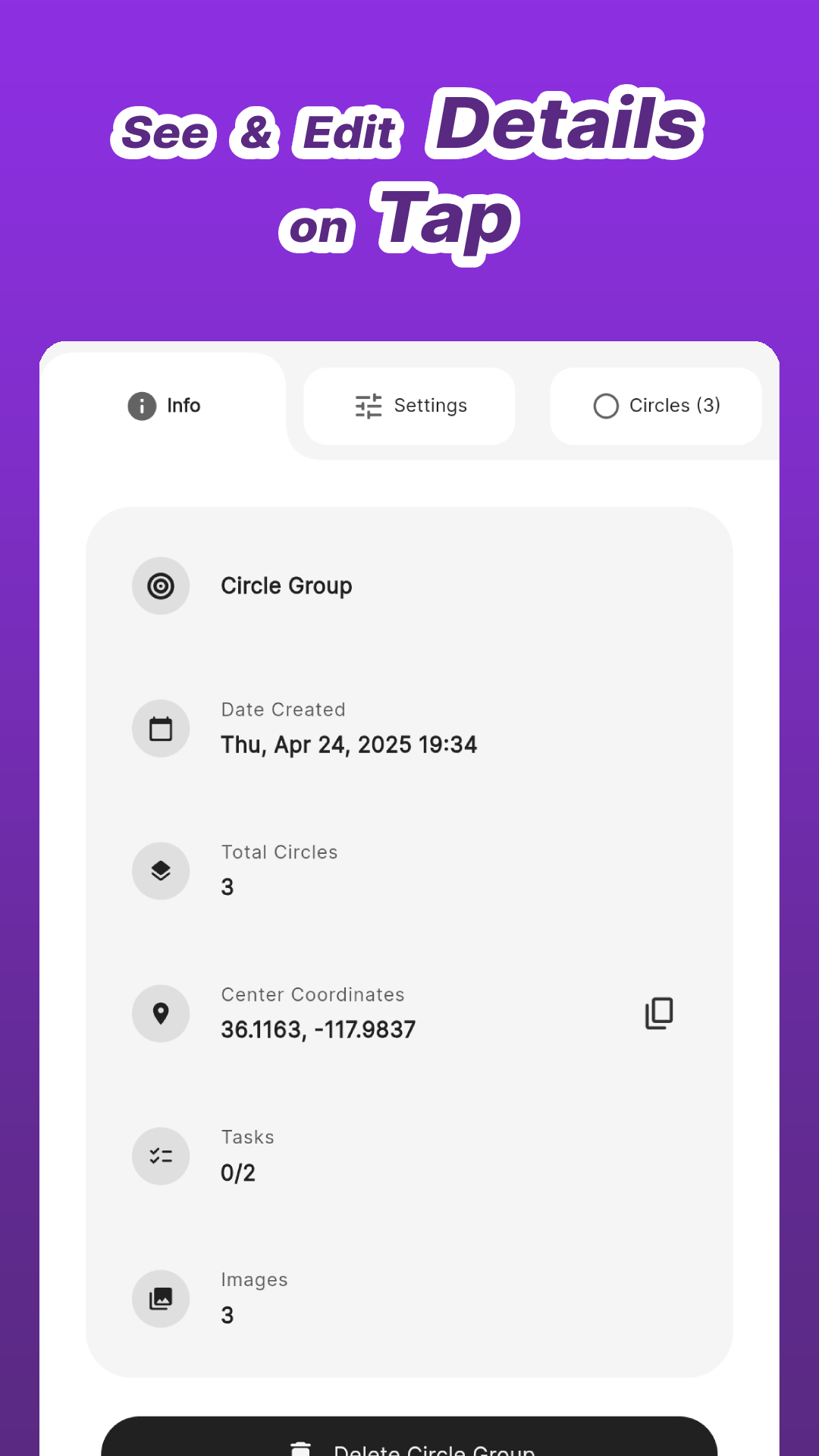
Draw concentric circles and multi-sided polygons at any location to define zones and boundaries. Place custom icon markers at precise points to highlight landmarks, equipment, or waypoints. Tap any shape or marker to open a full detail view showing its name, coordinates, area, and notes — with support for attached tasks and images, keeping all relevant information in one place.

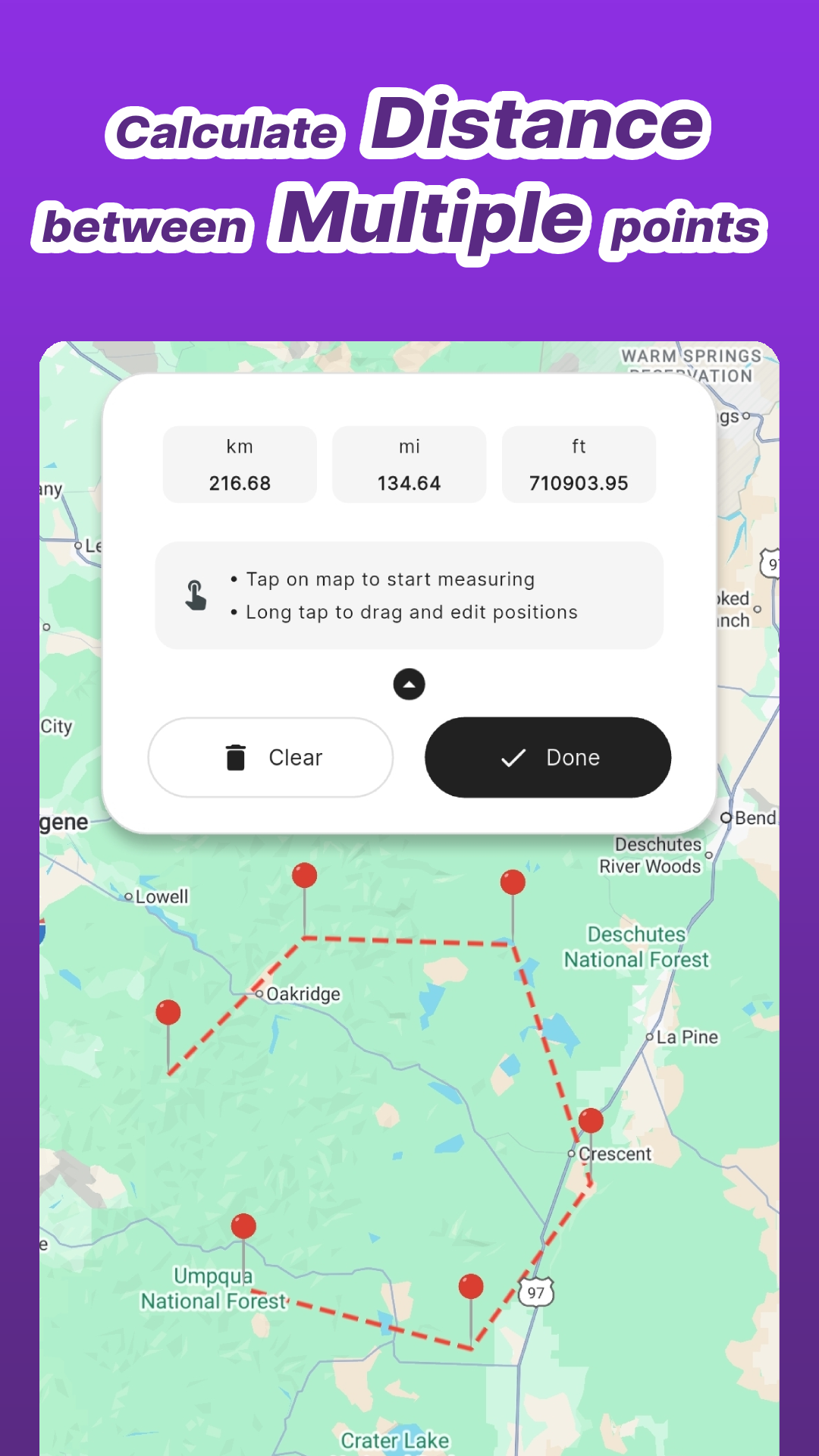
Use the distance measuring tool to calculate distances between multiple points directly on the map. Organize everything into named Collections and toggle them on or off to manage complex, layered maps without clutter. Customize stroke width, fill color, and visibility for every element individually. Switch between day, night, retro, terrain, and hybrid map styles to match your workflow.

Map Canvas is built for professionals and enthusiasts who need a fast, reliable mobile GIS tool: urban planners and architects defining project zones, farmers mapping fields and irrigation systems, field researchers recording environmental data, real estate professionals scoping property boundaries, truck drivers tracking travel radius, and event organizers designing outdoor layouts.

Cloud backup keeps up to 200 MB of your map data secure and synced. No complicated setup — just open the map and start drawing.

Main Features

What Our Users Say

⭐⭐⭐⭐⭐

"nice app, use it to measure rough square area in a real estate application. The original rev of the app gave area in only square miles. Not real convenient for small lots. Contacted the developer Colored Pixels Studio and they got right back to me and increased resolution so I could see smaller square miles. Pretty responsive! Just today I got a notification they modified the area to show acres and hectares. Very nice Went out and bought the Pro version!"

⭐⭐⭐⭐⭐

"Simple and effective. Was super useful for my house hunting, as I need to stay within 25 miles of my office due to work-from-office policy. Also use it to plan calculated stops for my evening walks or runs."

⭐⭐⭐⭐⭐

"Great app for marking territories on my map. Has a pretty generous free tier. Haven't found anything like it."

Blog

  • All Posts
  • Auto
  • Fashion
  • Food
  • Gallery
  • General
  • Life
  • Military
  • Radius Around Me
  • Review
  • Space
  • Technology
  • Tour Packges
  • Travel Story
  • Video
  • WiseTrips
  • WiseTrips Blog